
How to Search Gratiot County Traffic Records
Most traffic tickets in the county run through the 65B District Court. Three online tools do the day-to-day work. Court Innovations handles online ticket review for eligible citations. Michigan eTix lets a driver search a payable ticket or case, and ePAY completes the payment. Each tool covers a slightly different slice of the file. A ticket may show up as active, paid, or closed depending on where it sits in the process. Older or non-digitized matters may not appear online at all and need a records check at the court counter.
Gather a few details before starting. A citation number is the fastest key. A last name and date of birth also work, and a driver's license number or license plate number can pull an eTix result. Keep the license and the ticket handy so the numbers match what the court entered.
The county traffic division page lays out payment, not-guilty handling, and hearing requests in one place. It is the plain-language starting point when a driver is not sure which tool to open first. A quick look at the Gratiot County traffic division shows the online payment, plea, and ticket-handling options the court supports.
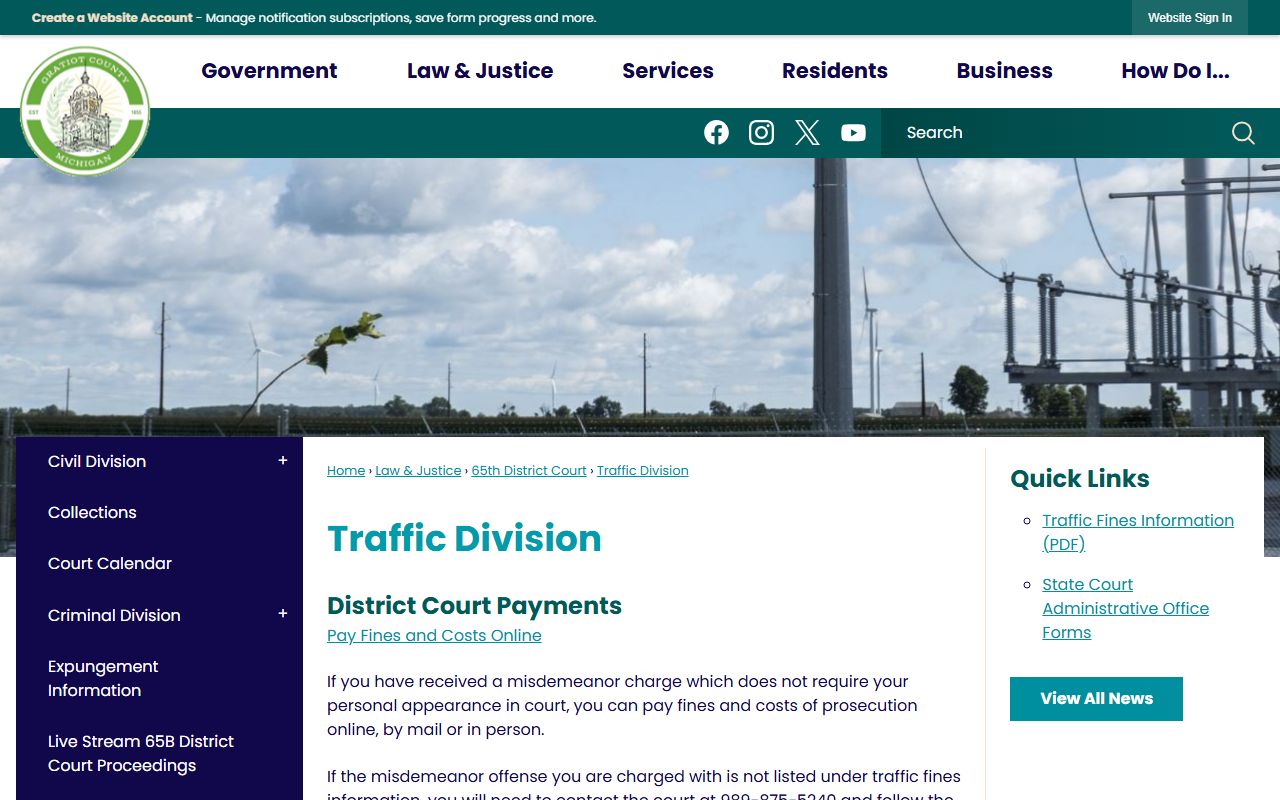
That page routes drivers to the right channel for a ticket and explains what happens after a citation is written. From there, a lookup moves to the search tools below.
- Decide the goal first. Use ticket review to check eligibility, eTix to find a payable ticket, and ePAY to pay.
- Open the tool and enter your key. A citation or ticket number gives the cleanest match; a last name plus date of birth is the fallback.
- Add a second identifier if asked, such as a license number, plate, or state, so the system narrows to the right person.
- Review the case details. Confirm the violation, the issue date, the amount owed, and any hearing or disposition shown.
- Choose an action. Pay the fine, request a not-guilty hearing, or ask the court for a certified copy of the record.
Which Court Handles Gratiot County Traffic Cases
The county has one traffic venue. There is no municipal court or justice-of-the-peace system here. Civil infractions, moving violations, and misdemeanor traffic charges all route through the 65B District Court. That court runs a case from arraignment through sentencing for the matters it keeps.
The circuit court still plays a role at the top of the ladder. Felony driving charges begin in district court with an arraignment and preliminary exam, then may bind over to the 29th Circuit Court. Appeals from a district traffic result move up the same way. For a ticket or civil infraction, though, the district court is the office that holds the file.
65B District Court
245 E Newark Street
Ithaca, MI 48847
Phone: 989-875-5240
Judge: Stewart D. McDonald
The district court entrance fronts Newark Street and connects to the main courthouse complex. Traffic and misdemeanor work, small claims, and civil infractions share that building.
Types of Gratiot County Traffic Cases
Traffic files split into a few broad groups. Most tickets are civil infractions, which are noncriminal violations that carry a fine and points but no jail. A smaller set are misdemeanor traffic charges, which are handled like other criminal cases. The record type shapes how a driver responds and what the court can do.
- Moving violations - Speeding, failure to stop, and similar civil infractions that add points to the driver record.
- Non-moving violations - Equipment, registration, and other tickets tied to the vehicle rather than the driving.
- Misdemeanor traffic - Charges such as driving on a suspended license that carry a possible jail term.
- Commercial and CDL - Violations by holders of a commercial license, which follow stricter federal rules.
- Felony driving charges - Serious matters that start in district court and may bind over to circuit court.
Parking and local ordinance tickets are usually handled by the issuing agency rather than the court file itself. When a case is contested or unpaid, it lands in the district court record where it can be searched.
What Gratiot County Traffic Records Show
A traffic court record is the case-level file. It ties a citation to a person, a charge, and a result. An eTix search return is a good preview of the fields a driver sees online. The court's own file adds the deeper docket detail, such as hearing dates, the statute cited, and the final disposition.
The list below mirrors the fields an eTix result shows, drawn from the statewide ticket system. A follow-up look at the Michigan eTix results page shows how those columns line up on screen.
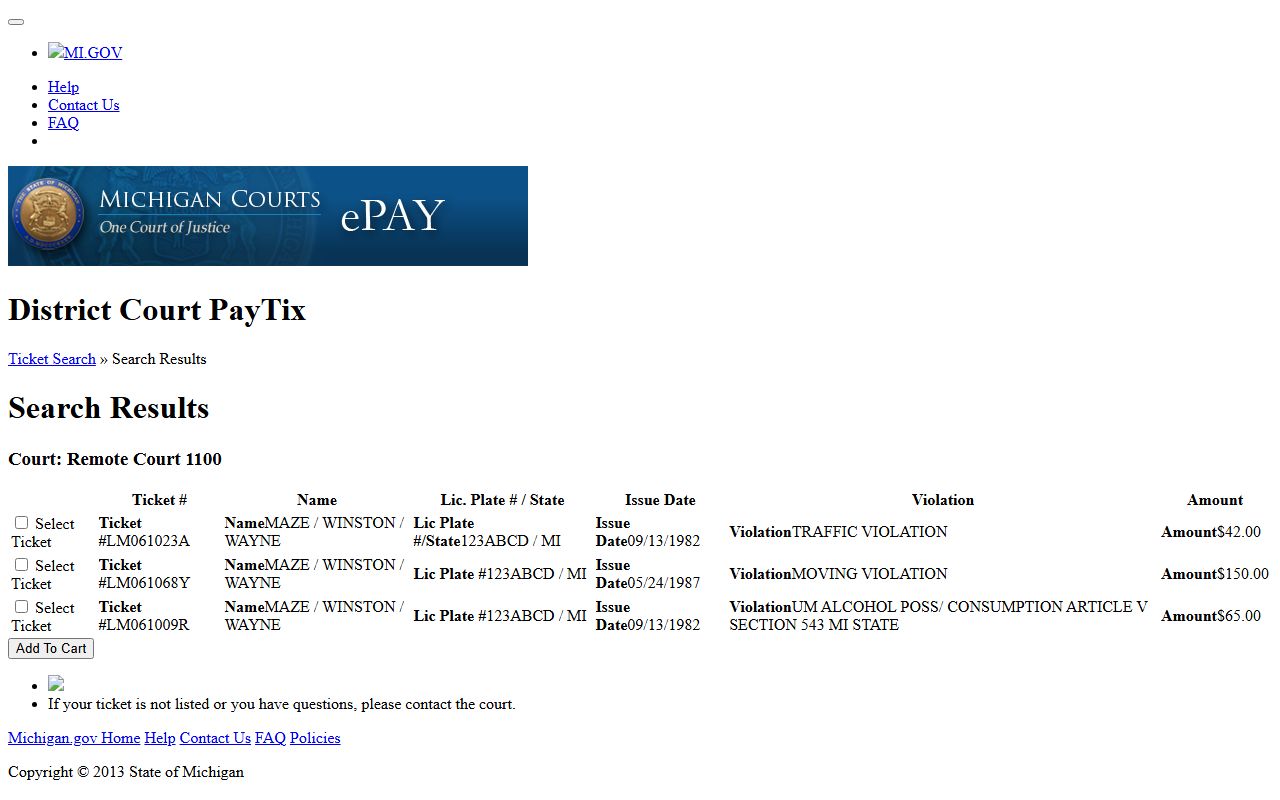
That layout is the same one Gratiot drivers reach when they search a payable ticket. Each field maps to a piece of the underlying court record.
- Ticket number
- The citation or case number that identifies the ticket in the system.
- Name
- The driver or party named on the citation.
- License plate and state
- The plate and issuing state tied to the stop.
- Issue date
- The date the officer wrote the citation.
- Violation
- The charge or civil infraction listed on the ticket.
- Amount
- The fine and costs owed, or the balance still due.
The full court docket may also show the judge, hearing rooms, plea status, and order history. Points are not stored in the court file; they land on the state driver record after a conviction.
Searching by Citation Number or Name
Two lookup styles cover most needs. A citation or ticket number gives a single clean match and avoids mix-ups. A name search is easier when the ticket is lost, but a common name can return several people, so a second identifier helps. Court Innovations ticket review leans on license data, while eTix accepts more entry paths.
Court Innovations is the county's public traffic review layer for eligible tickets. Its search uses driver's license information to confirm identity. A quick view of the Gratiot 65B ticket-review portal shows the fields it asks for before a review request.
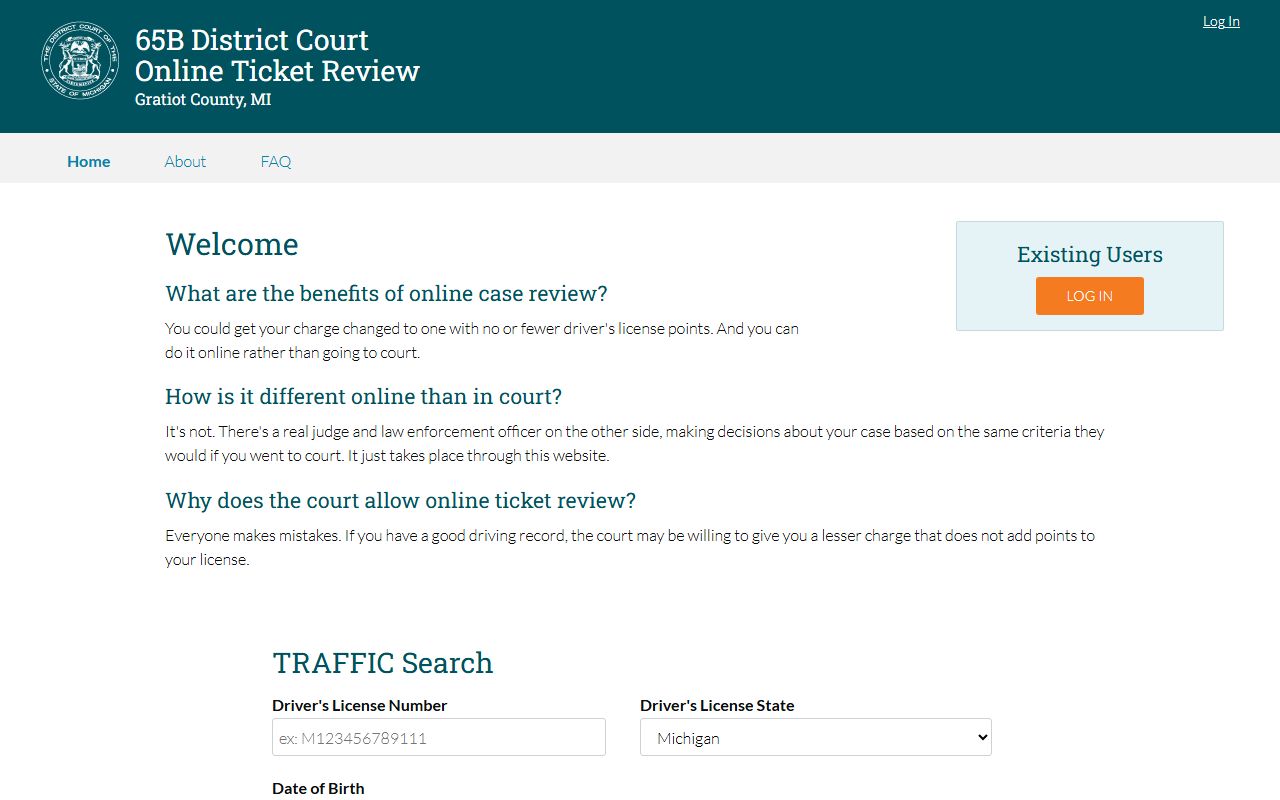
That portal is meant for reviewing eligible tickets, not for paying them. For a payable ticket or case search, eTix is the tool. The Michigan eTix ticket search accepts several entry combinations.
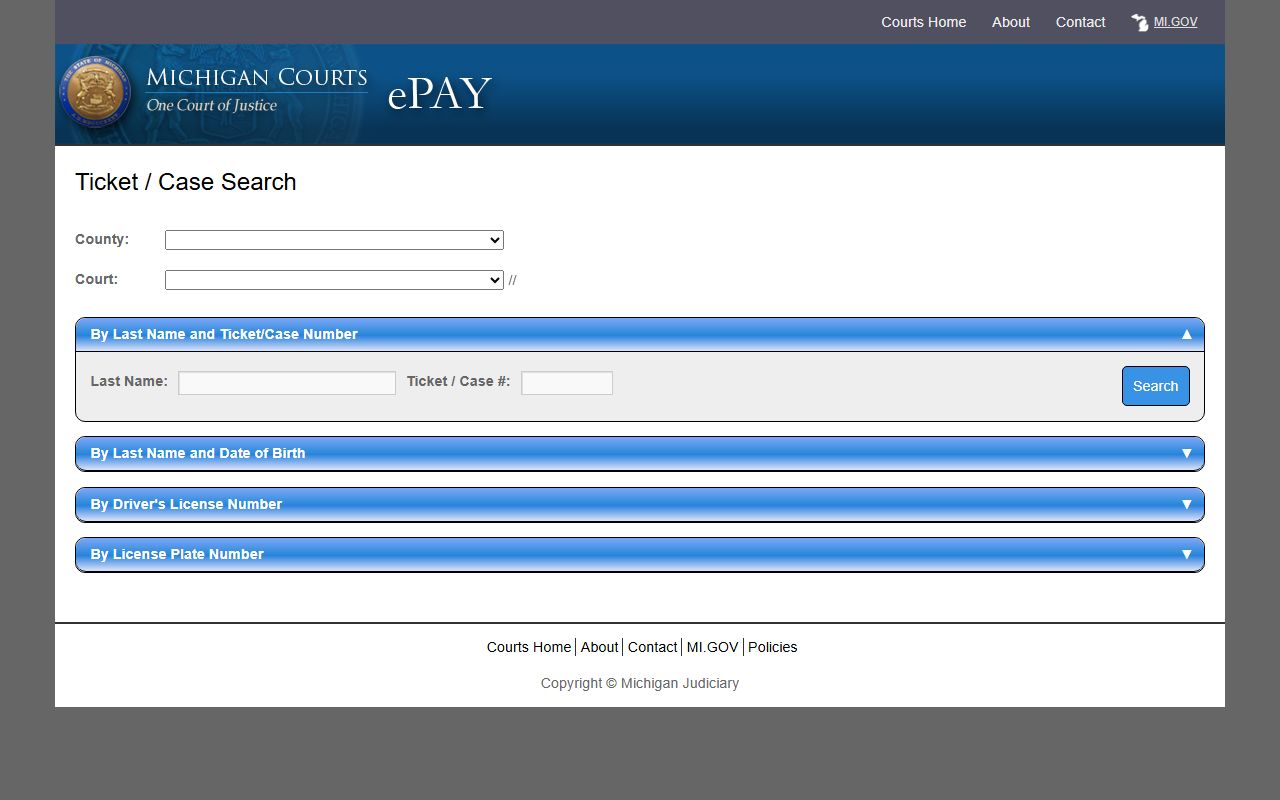
The table below lists the fields these tools use. Court Innovations verifies with license data; eTix offers name, ticket, license, or plate paths.
| Search Field | Type | Required | Notes / Format |
|---|---|---|---|
| Driver's License Number | Text | Yes for review | Court Innovations ticket-review search uses license data. |
| State | Dropdown | Yes | Used with the license number to verify identity. |
| Date of Birth | Date | Yes | Confirms the driver on the ticket-review portal. |
| Last Name / Ticket Number | Text | Yes on eTix | Primary eTix path; search by name or ticket/case number. |
| License Plate Number | Text | No | Alternate eTix lookup path for a payable ticket. |
Paying or Contesting a Gratiot County Ticket
The court gives eligible drivers a few ways to settle a ticket. Fines and costs can be paid online, by mail, or in person when the offense qualifies. A driver who wants to fight the ticket does not pay. Instead, that driver contacts the court to set a pretrial conference and enter a not-guilty response.
Some offenses are not listed in the online traffic-fines material. For those, the court instructs callers to phone the district court and follow the prompts for traffic violations. A CDL matter can require a personal appearance depending on the charge, so a commercial driver should confirm before assuming a ticket can be paid online.
- Read the citation and note the response deadline. A missed deadline can add costs or a license hold.
- Decide to pay or contest. Paying admits responsibility for a civil infraction; contesting keeps the case open.
- To pay, use eTix and ePAY online, or mail or bring payment to the district court.
- To contest, contact the 65B District Court and ask for a pretrial conference or a formal hearing.
- Attend any scheduled hearing, then check the record afterward to confirm the disposition posted.
Note: Paying a civil-infraction ticket is treated as an admission, so a driver who plans to contest should not pay first and argue later.
Court Traffic Record vs State Driver Record
This is the distinction that trips people up. The court traffic record is the case file. It shows the citation, the charge, the issue date, the hearing, and the result the judge or magistrate entered. The state driver record is a separate file kept by the Michigan Secretary of State. It shows license history, points, and any suspensions that follow a conviction.
The Secretary of State offers driving records online, by mail, at a self-service station, and at an office. The online certified record is visible for seven days, and the page lists a $16 fee. A look at the Michigan SOS driving record page shows the channels and payment options available.
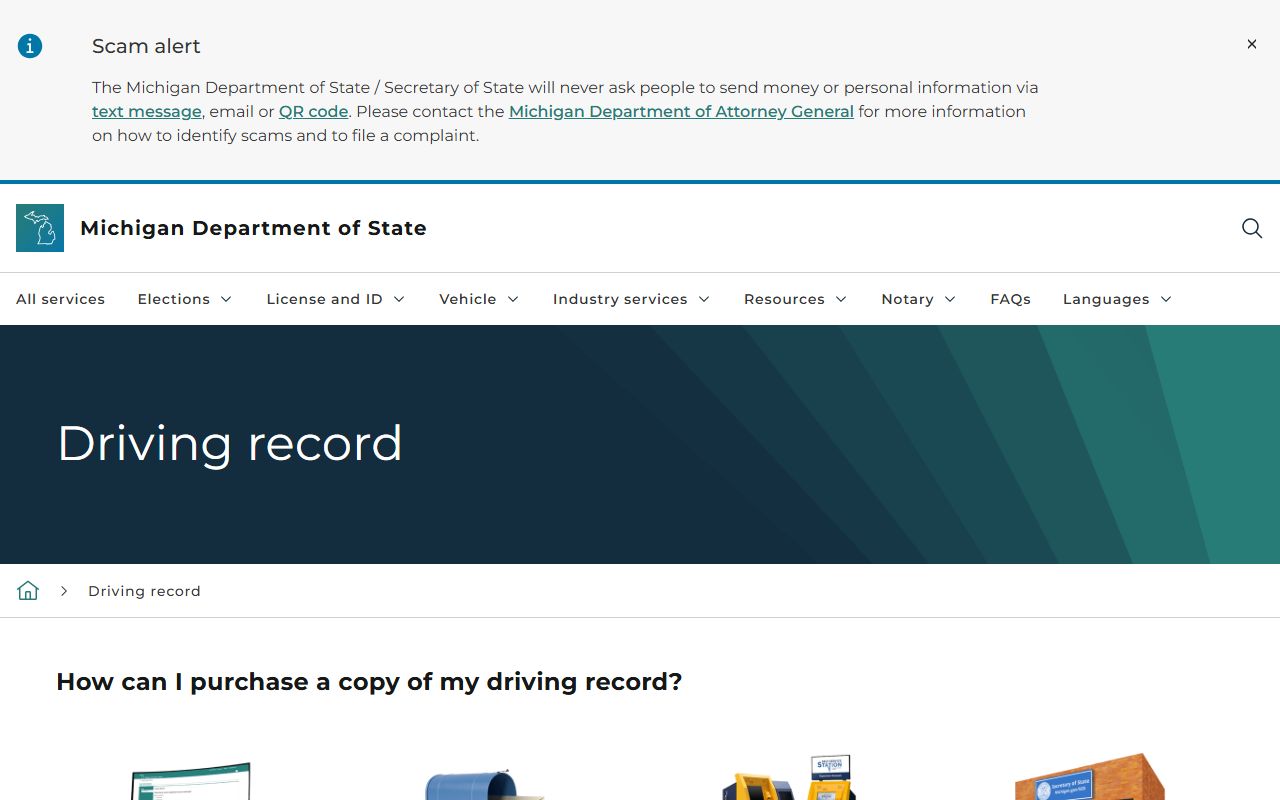
That state record is the right source for what happened to the license. The court file is the right source for what happened in court. The table below sets the two side by side.
| Comparison Point | Court Traffic Record | State Driver Record |
|---|---|---|
| Record source | 65B District Court | Michigan Secretary of State |
| What is in it | Citation, charge, issue date, hearing, disposition | License history, points, suspensions, driving status |
| Where to access | Court Innovations, eTix, or the court counter | SOS online, mail, self-service station, or office |
| How to correct errors | Contact the district court that entered the case | Contact the Secretary of State driver records unit |
CDL and Commercial Driver Rules
Commercial drivers face tighter handling. A CDL-related matter may still require a personal appearance in the 65B District Court, even when a regular driver could pay the same ticket online. The charge drives that call, so a commercial driver should ask the court before choosing a payment route.
Federal rules also shape how a commercial conviction is reported and how it affects a commercial license. That is one more reason to keep the court traffic record and the state driver record straight. A ticket that looks routine can carry heavier weight on a CDL.
DUI and Impaired Driving Cases
A drunk or drugged driving charge is not an ordinary ticket. It is a criminal case, so it does not live in the civil-infraction traffic layer. The 65B District Court handles the early stages, and a serious charge can move toward the circuit court. The county also takes part in a regional sobriety treatment court for eligible drivers.
For the full charge, plea, and sentencing detail on an impaired-driving matter, see the Gratiot County criminal court records. That page follows the criminal case file rather than the traffic ticket record.
Crash Reports Are a Separate Record
A traffic crash report is not part of the court file. Michigan State Police keep crash reports through a separate reporting system. A driver who needs the report of a collision looks there, not in the district court ticket record.
The state crash-purchasing system asks for a driver's license number or a case or incident number, a date of birth, and the date of the crash. When those details are missing, the state directs people to file a public-records request instead. The MSP traffic crash reporting unit page explains the process and the required fields.
Public Access Laws for Traffic Records
Court records in Michigan are open by default. Courts are not a normal Freedom of Information Act office, so traffic case access runs under the court-record rule rather than a generic county records page. A court may still redact identifiers or seal sensitive content, and non-public cases do not appear on the live district calendar.
State driver records follow a different rule. Federal law limits who can pull a driving record and for what purpose. The Michigan SOS driver and vehicle records FAQ explains those privacy limits and how they differ from open court records.
That privacy layer is why a court ticket can be public while a full driving record is restricted. The statutes below frame the open side of the record.
Key Statutes:
Michigan Compiled Laws § 15.231 - The Freedom of Information Act declares that public records are open unless an exception applies.
Michigan Compiled Laws § 15.243 - The FOIA exemptions allow some records to be withheld or redacted even when a request is made.
Michigan Court Rule 8.119 governs court-record access directly, and local access here follows that rule alongside the court's own policy.
Fees for Gratiot County Traffic Records
Copy fees are set by the county clerk fee schedule, and the state sets its own charge for a driving record. A plain paper copy is a dollar a page. A record can also be emailed or delivered on a disc for a flat fee. A certified copy adds a certification charge on top of the copy cost.
Fines and costs on a ticket are separate from copy fees and depend on the violation. The district court lists those amounts through its traffic-fines material and the online payment tools. The table below covers the record-copy side.
| Item | Amount |
|---|---|
| Photocopy per page | $1 |
| Record emailed | $4 |
| Court record copy on CD | $25 |
| Record search (per 10-year name search) | $12 |
| Certification surcharge | $10 |
| State driving record (SOS, online certified) | $16 |
Note: The online certified driving record from the Secretary of State stays viewable for only seven days, so save or print it before that window closes.